Business cards & networking
Share your contact with a vCard QR code
Drop a vCard QR on your card so people save your details in one tap. Use your logo, brand colors, transparent backgrounds, and export crisp SVG or PNG ready for the print shop.
Built for print quality
- SVG export for sharp, editable vector art—perfect for designers.
- Transparent backgrounds for seamless card layouts.
- Unlimited scans, no expiry—your card keeps working.
- Dynamic option if you want to update contact URLs later.
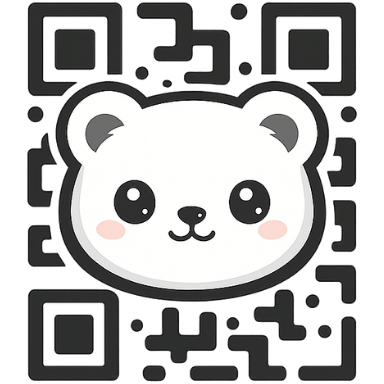
- Logo overlay with safe error correction so scans stay reliable.
- Print at any size: PNG for quick runs, SVG for offset or letterpress.
How to add a QR to your business card
- Choose vCard on the Create page and add your contact info.
- Pick your colors, toggle transparent background if needed, and add your logo.
- Preview, then download SVG for your designer or PNG for quick print.
- Place the code with at least 1 cm clearance and test scan before printing.
FAQs
Will the QR scan if it’s small? Keep it ≥ 0.8 in (2 cm) for reliable scans.
Can I change my contact later? Use Dynamic to swap destinations without reprinting.
Best format for printers? SVG. PNG works for quick digital prints.