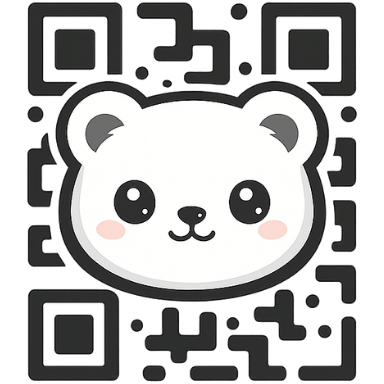
Dynamic QR
Update your QR without reprinting
Point one QR to campaigns, menus, or links that change. Swap destinations anytime, track views, and keep your logo and colors intact.
Perfect for campaigns and print
- Change URLs anytime—no new print runs.
- View counts and 7-day sparkline in your dashboard.
- Logo, gradients, transparent backgrounds supported.
- High-res PNG/SVG exports for posters, packaging, and signage.
How to use dynamic QR codes
- On the Create page, pick URL and toggle Dynamic.
- Style your code: logo, brand colors, transparent background.
- Preview, then download PNG/SVG and place on print or digital assets.
- Later, edit the destination in your dashboard—no need to reprint.
- Watch scan counts and 7-day trends to gauge performance.
FAQs
Do scans expire? No. Dynamic and static both allow unlimited scans.
Can I change the link anytime? Yes, update the redirect in your dashboard.
Does the QR design change when I edit? No, the printed code stays the same.