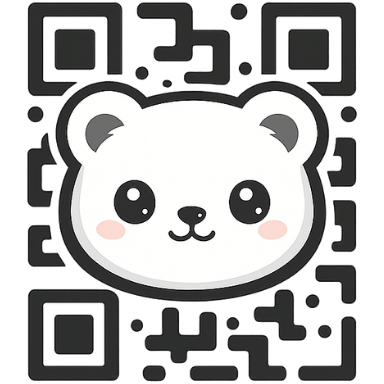
Logos & print-ready
Branded QR codes with logo and SVG export
Drop in your logo, set brand colors, and export true SVG for razor-sharp print. Choose transparent backgrounds, gradients, and error-corrected logos that still scan.
Made for designers and printers
- True SVG export for Illustrator, Figma, Inkscape.
- Logo overlay with safe error correction.
- Transparent or solid backgrounds—your choice.
- Unlimited scans and no expiry on every QR.
- PNG fallback for quick mockups and web embeds.
- Adjust ECC levels when you add a larger logo.
How to create a logo QR
- Enter your destination (URL, vCard, Wi‑Fi, etc.).
- Upload your logo; the error correction will keep it scannable.
- Pick foreground/background colors or set a transparent background.
- Preview, then download SVG for print or PNG for web.
FAQs
Will my logo break the QR? No—FreeQR boosts error correction automatically.
Best format for print? SVG. Use PNG for quick digital uses.
Can I remove the background? Yes—toggle transparent background before download.