Restaurants & Cafés
Touchless menu QR codes in minutes
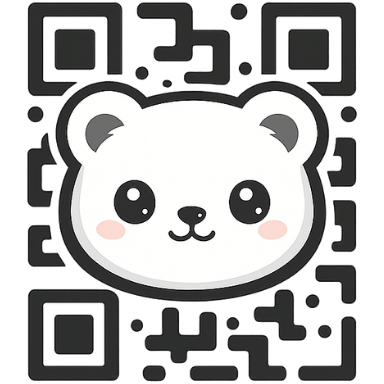
Link diners to updated menus without reprinting. Add your logo, match your brand colors, choose transparent backgrounds, and export print-ready PNG or true SVG. Switch to dynamic mode to swap today’s specials without replacing the code.
Why restaurants choose FreeQR
- Unlimited scans & no expiry—perfect for table toppers and window decals.
- Dynamic redirects: swap brunch, lunch, or happy-hour menus instantly.
- Logo, brand colors, gradients, and transparent backgrounds for clean print.
- High-res PNG and true SVG exports for tent cards, stickers, posters, and TV screens.
- Scan analytics: see 7-day trends for each dynamic QR in your dashboard.
- Works great on mobile: create, preview, and print from phone or tablet.
How to create a menu QR code
- Click “Create a menu QR” and choose URL or PDF for your menu link.
- Toggle Dynamic if you want to update specials without reprinting.
- Add your logo, set brand colors, or choose a transparent background.
- Preview, then download PNG for quick print or SVG for press-ready output.
- Scan to test, place on tables, tent cards, windows, and receipts.
FAQs
Do scans expire? No. All FreeQR codes have unlimited scans.
Can I change the menu link? Yes—enable Dynamic and update the destination anytime.
What file should I print? SVG for professional print; PNG for quick in-house prints.
Will my logo still scan? Yes, built-in error correction keeps QR codes readable.